
AI Portfolio
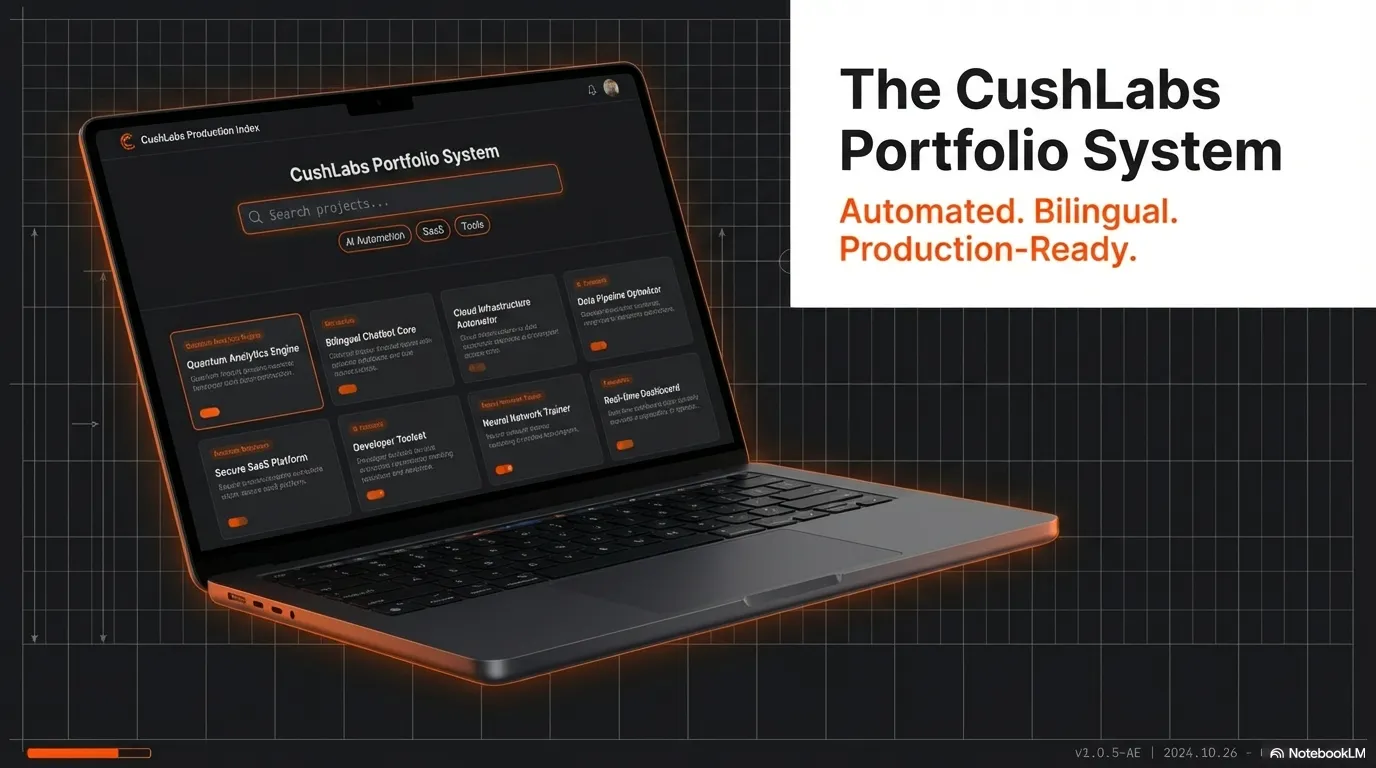
A static portfolio system that syncs project data from GitHub repos into a filterable showcase
Video Demo
El Problema
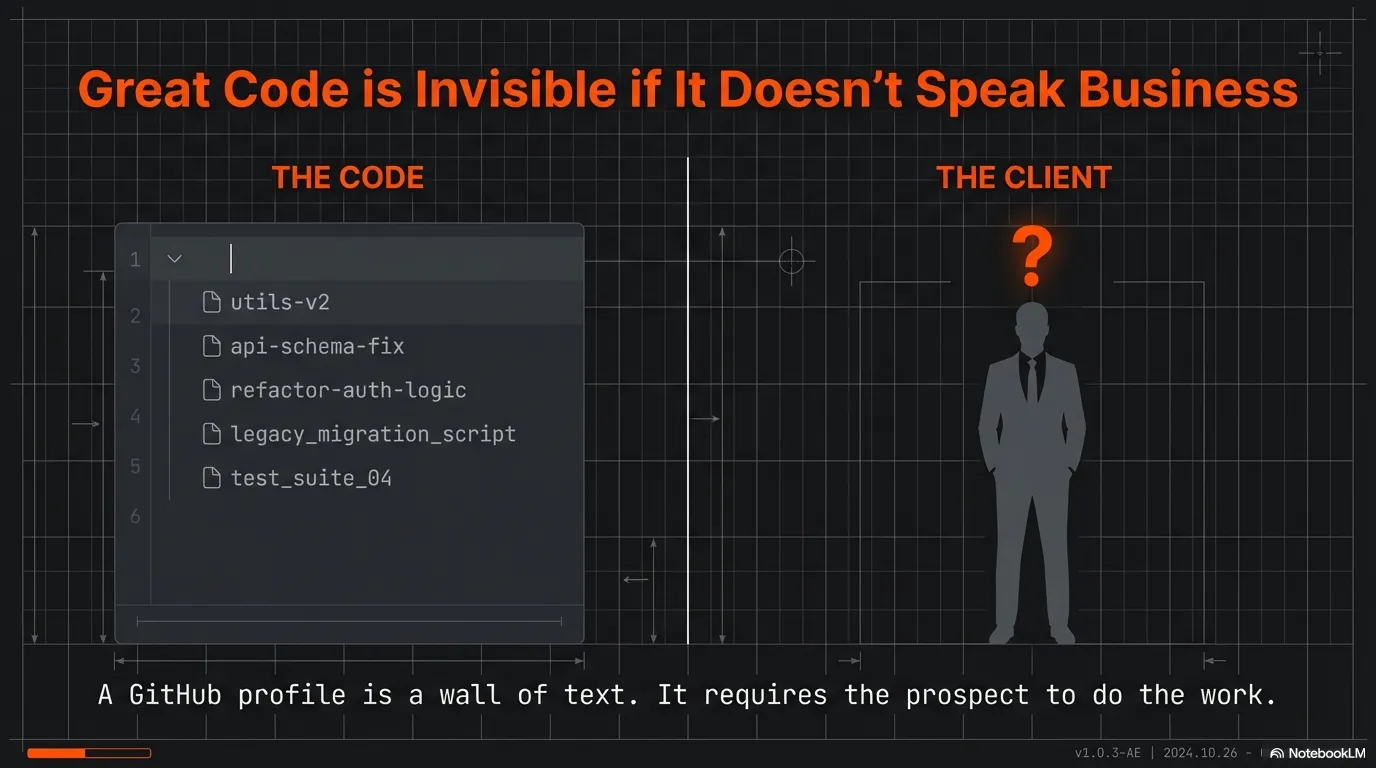
Maintaining a portfolio across dozens of GitHub repositories creates a content management problem. Project descriptions, tech stacks, and status information scatter across READMEs and repo settings with no unified display layer. A separate portfolio site inevitably falls out of sync with the actual work.
La Solución
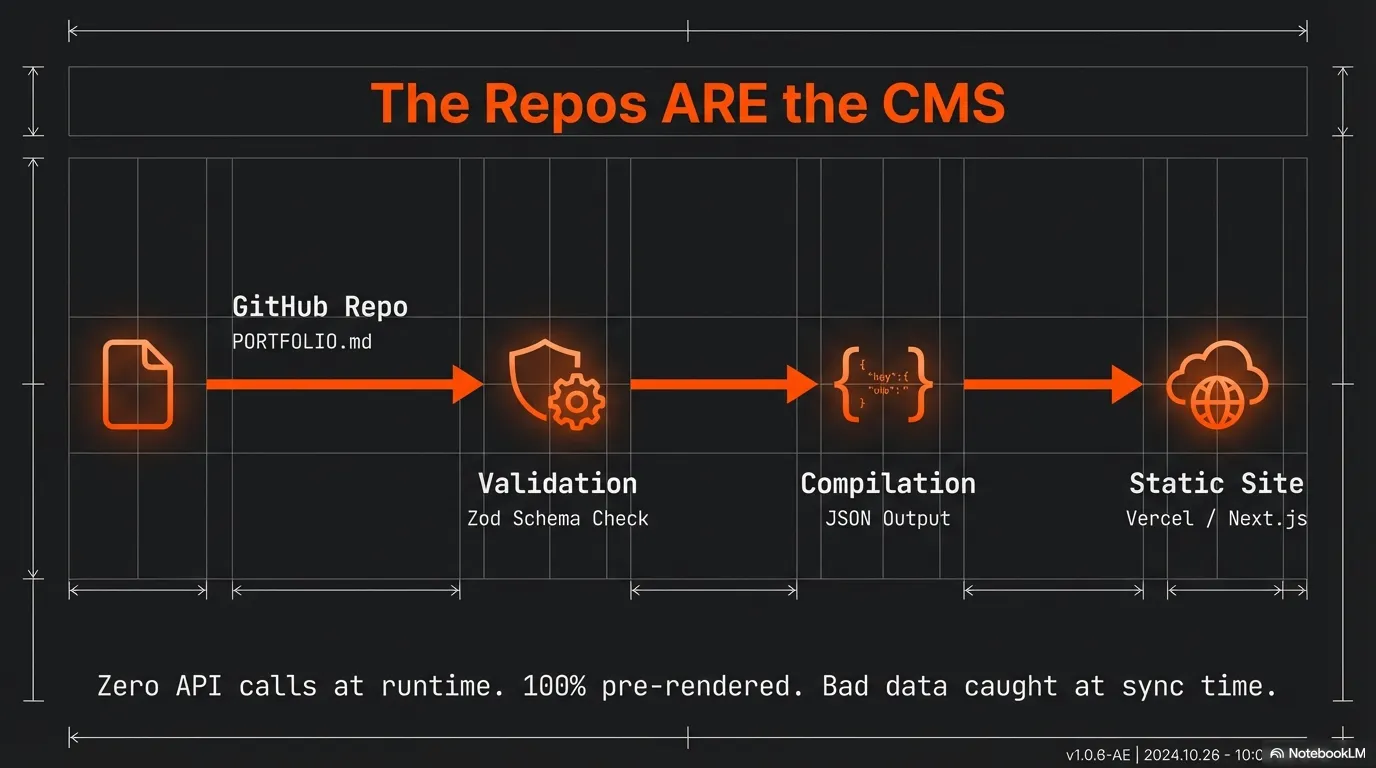
Each repository owns its portfolio entry through a version-controlled PORTFOLIO.md file at its root, keeping content co-located with the code it describes. A TypeScript sync script fetches and parses every file via the GitHub API, validates it through a Zod schema with backward-compatible transforms, and outputs a single static JSON file — with sync errors and warnings auto-reported as deduplicated GitHub Issues. The portfolio page drives search, category filtering, and sort entirely through URL params for shareable views, and Next.js serves statically generated pages with zero runtime API calls.
Características Principales
- 21 projects aggregated from GitHub repos into a single filterable interface
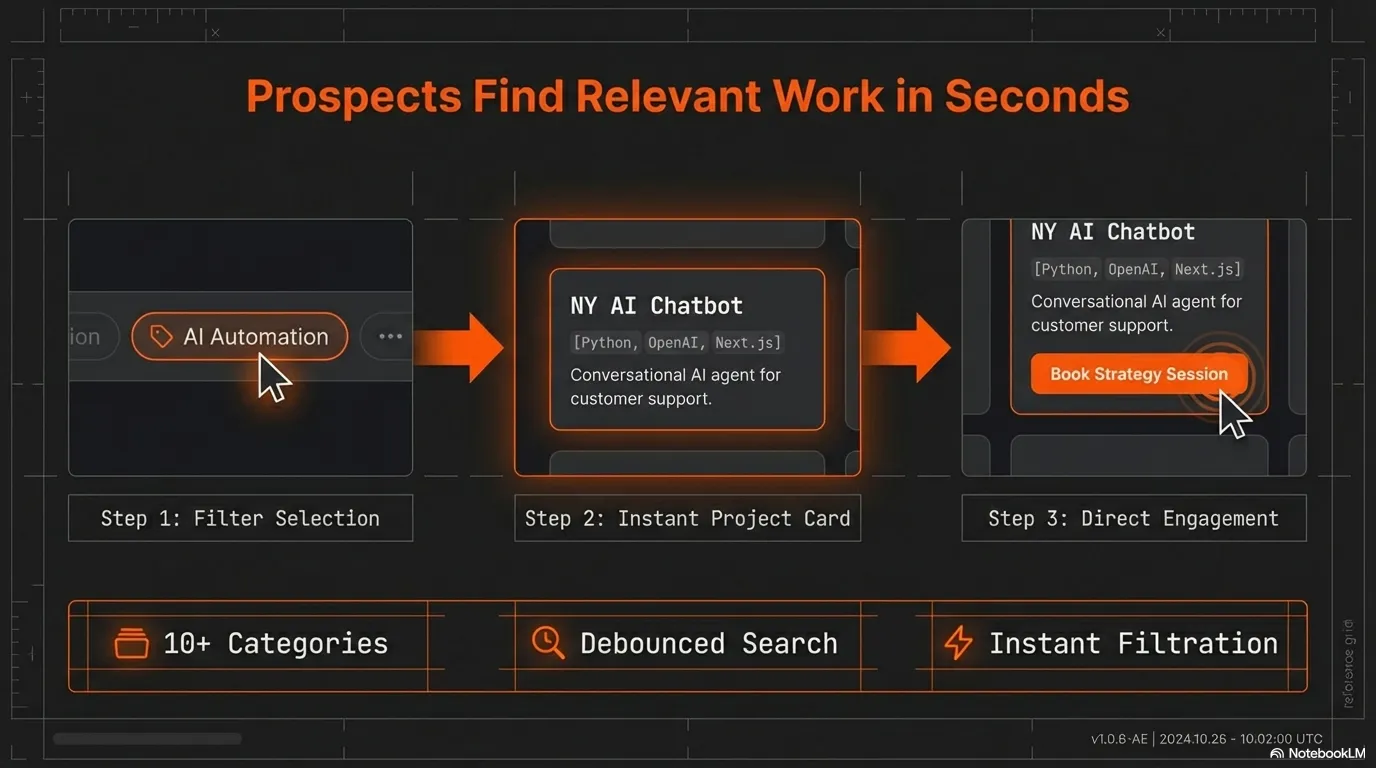
- Client-side search, category filtering, and sort — all via shareable URL params
- Zero runtime API calls — fully static, sub-second page loads
- Content managed through PORTFOLIO.md files co-located with source code
- Sync issue notifications — errors and warnings auto-reported as GitHub Issues with deduplication and auto-close
- Featured project showcase with curated top-6 selection
- Dark mode with system preference detection
Resultados
Overview
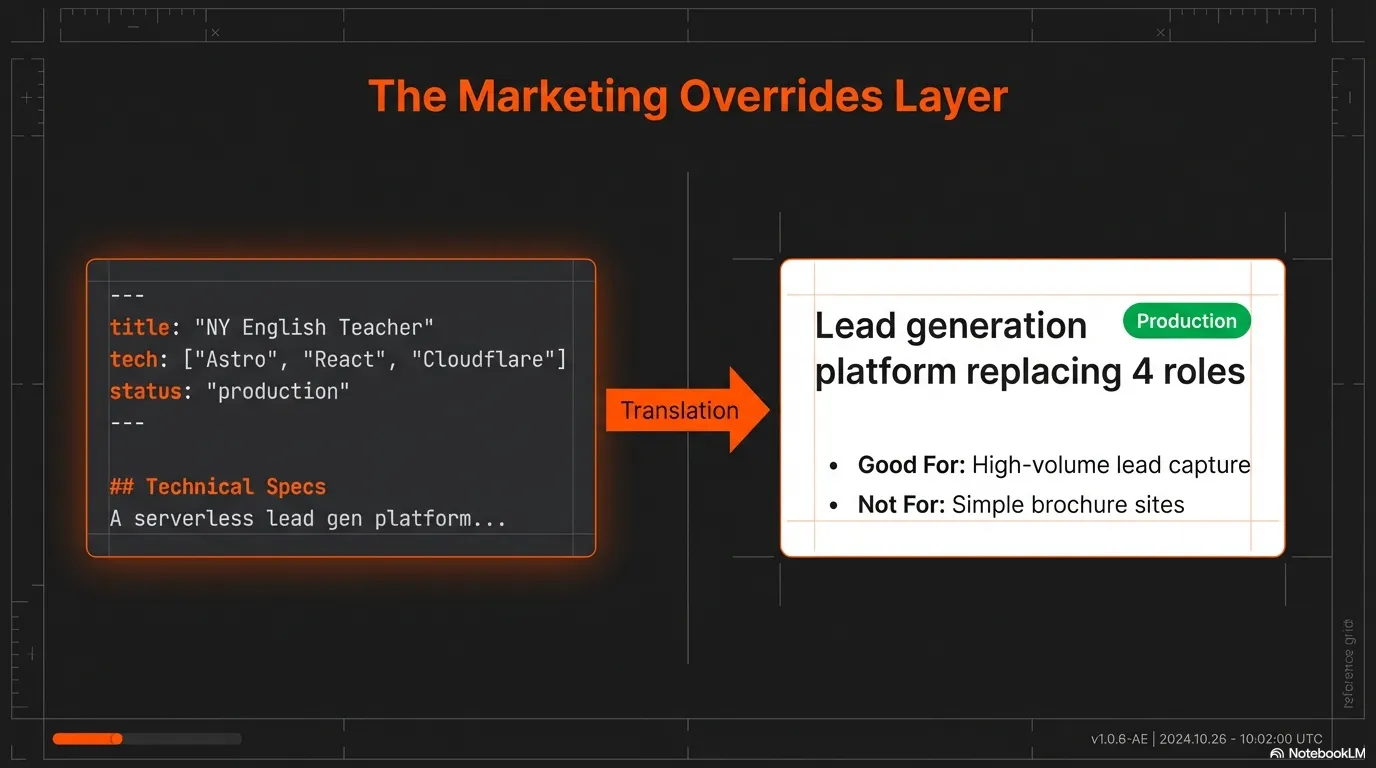
AI Portfolio is a Next.js application that powers the project showcase at cushlabs.ai. Each GitHub repository contains a PORTFOLIO.md file with structured YAML frontmatter describing the project. A sync script fetches these files via the GitHub API, validates them through a Zod schema, enriches entries with live metadata (stars, forks, language, topics), and generates a static JSON file consumed at build time.
The result is a portfolio site with zero runtime dependencies on external APIs. Content updates follow a straightforward workflow: edit a PORTFOLIO.md in any repo, run the sync, and deploy.
The Challenge
- Scattered content: Project descriptions live in READMEs, repo settings, and personal notes with no single source of truth for portfolio display
- Manual sync burden: Keeping a portfolio site current with 20+ active repositories requires constant manual updates that inevitably fall behind
- Runtime fragility: Fetching GitHub API data at page load introduces rate limits, latency, and single points of failure for a site that should always work
The Solution
Content co-location: Each repository owns its portfolio entry through a PORTFOLIO.md file at its root. The content lives alongside the code it describes and stays version-controlled.
Automated data pipeline: A TypeScript sync script queries GitHub for all repositories, fetches and parses each PORTFOLIO.md, validates data through a Zod schema with backward-compatible transforms, and outputs a single JSON file. Errors and quality warnings are tracked during sync and reported as GitHub Issues — with deduplication, auto-close on clean runs, and non-fatal fallback — so problems stay visible even when nobody reads the terminal.
Client-side search, filter & sort: The portfolio page uses URL search params for all filter state — debounced text search, tab-based category filtering, and sort dropdown — making filtered views shareable and bookmarkable with zero server round-trips.
Featured showcase: A dedicated featured page highlights the top 6 projects server-side at build time, with larger cards showing problem/solution/outcomes sections. Display order and featured badges are controlled via a portfolio-order.json config file.
Static rendering: Next.js App Router serves statically-generated pages. Server components load the JSON at build time while client components handle interactive filtering and sorting.
Technical Highlights
- Sync issue notifications: The sync script tracks 403 errors, validation failures, and missing-field warnings, then reports them as GitHub Issues — with label-based deduplication, auto-close on clean runs, and non-fatal fallback so the sync always completes
- Zod schema with backward-compatible transforms: Normalizes old and new PORTFOLIO.md formats automatically during sync
- Server/client component split:
loader.tsreads data server-side viafs;filters.tsprovides pure functions safe for client components - URL-driven filter state: Category and sort selections stored in search params for shareable, bookmarkable views via debounced search, tab-based category filter, and sort dropdown (all shadcn/ui components)
- Featured page: Server-side filtered showcase with larger cards showing problem/solution/outcomes — no client JS needed
- Order override config:
portfolio-order.jsoncontrols display priority and featured badges without touching code - Image domain security:
next.config.tsrestricts remote images to GitHub-hosted domains only - Suspense boundary for useSearchParams: Required by Next.js 15 for static generation with client-side URL state
Results
For the End User:
- 21 projects browsable by category with instant client-side search, filtering, and sorting
- Featured showcase highlighting the 6 strongest projects with detailed breakdowns
- Responsive detail pages with image carousels, tech stack display, and markdown rendering
- Filtered views shareable via URL — bookmarkable category/sort combinations
Technical Demonstration:
- End-to-end TypeScript with strict mode and Zod validation at the data boundary
- Clean separation of build-time data loading and runtime interactivity
- Pragmatic architecture that avoids unnecessary complexity — no CMS, no database, no serverless functions
¿Listo para discutir una solución similar?
Exploremos cómo la automatización con IA puede ayudar a tu negocio.
Agendar una Consulta