
CushLabs OS Dashboard
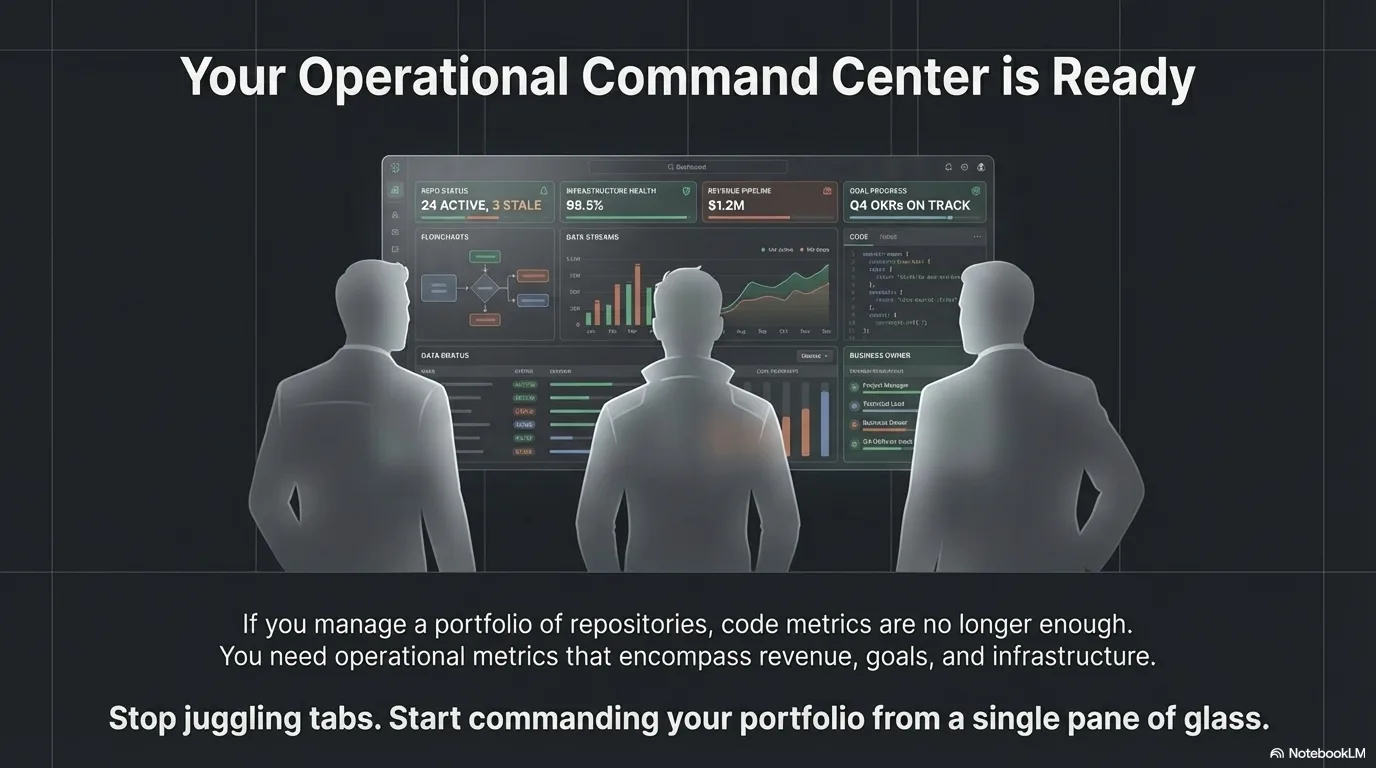
Full-stack operational command center with 7 API routes, 7 dashboard views, and live GitHub integration for portfolio health, goals, tasks, and business development
Video Demo
El Problema
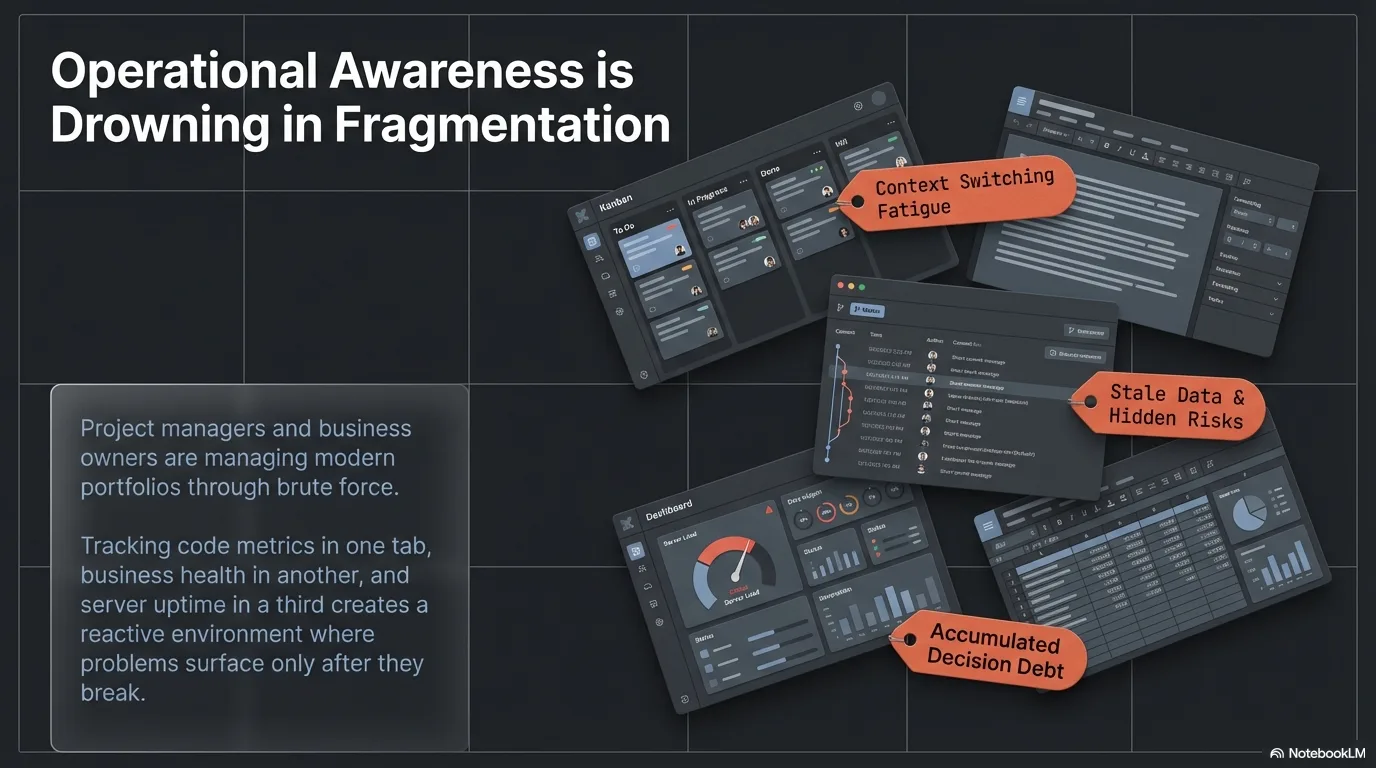
Running a consultancy across 15+ GitHub repositories creates operational blind spots that no single tool solves. Portfolio health, task execution, goal progress, business development pipeline, accomplishment tracking, and infrastructure status all live in separate systems or structured JSON files with no unified view. Project managers and business owners need a single command center to see everything at a glance — not repo-by-repo GitHub audits or spreadsheet juggling.
La Solución
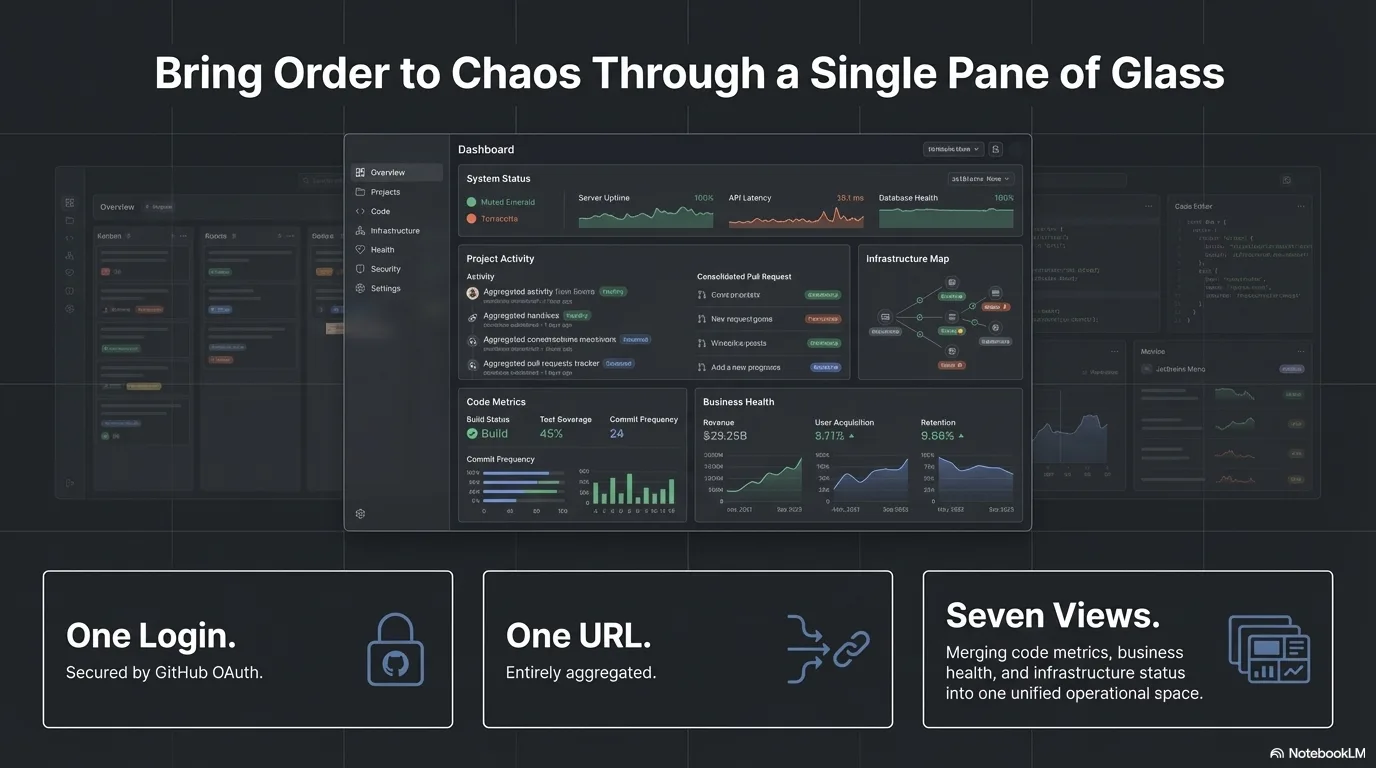
A single authenticated command center built on Next.js that aggregates everything into one view. GitHub OAuth secures access, and seven server-side API routes pull live repository metrics via Octokit, merge them with business context, and serve seven specialized dashboard views — portfolio health, business development, goals, tasks, accomplishments, infrastructure, and a system guide. Server-side caching with a manual refresh bypass keeps the data fresh without redundant API calls, turning reactive repo-by-repo checking into proactive oversight.
Características Principales
- 7 server-side API routes handling authentication, data aggregation, caching, and health checks
- 7 dashboard views — portfolio, business dev, goals, tasks, accomplishments, infrastructure, guide
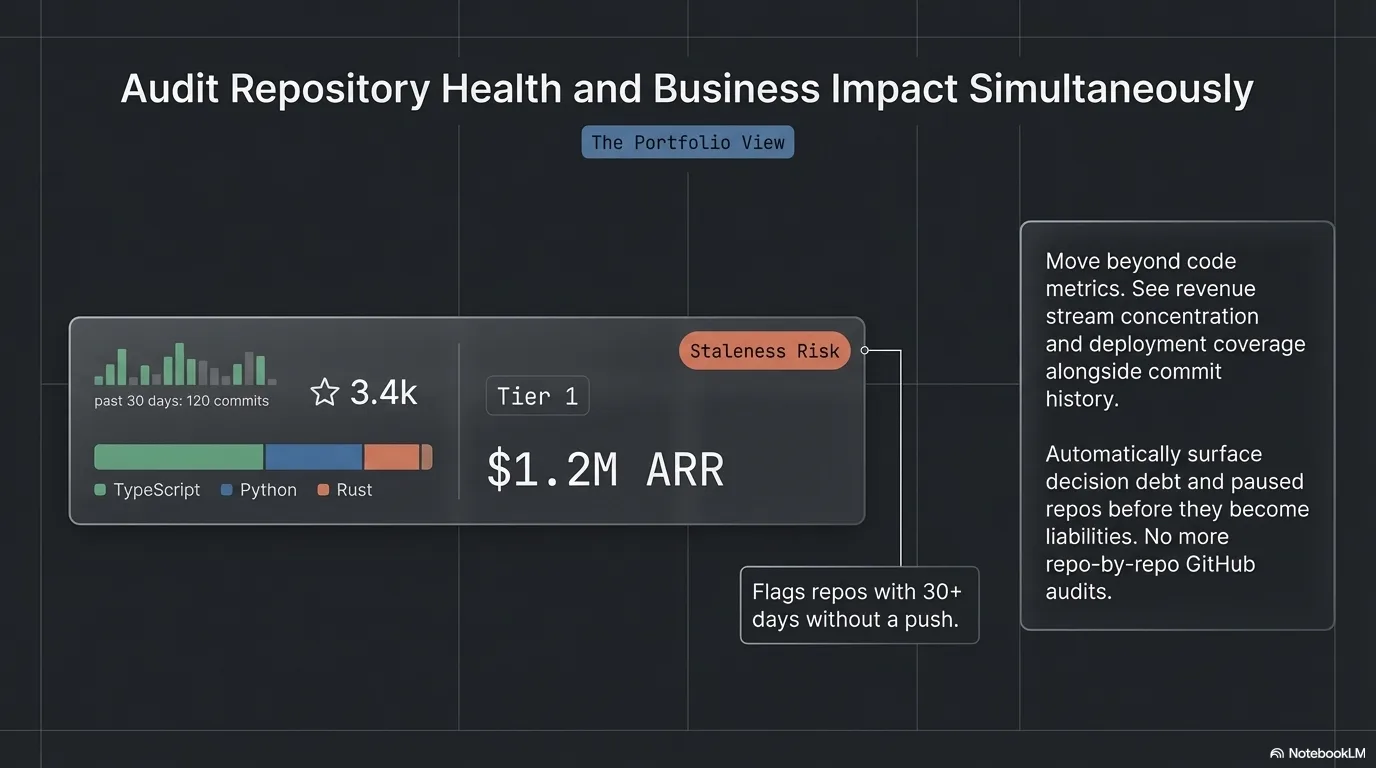
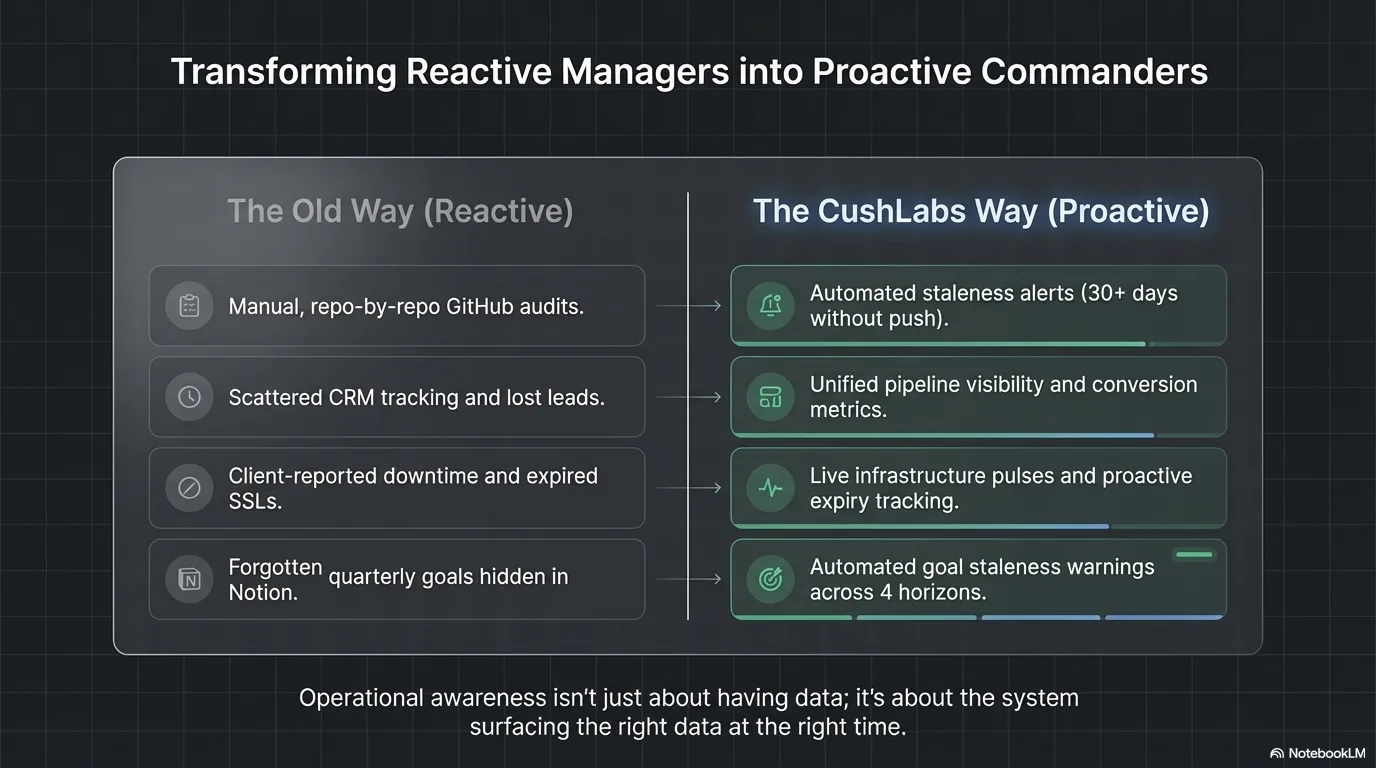
- Real-time portfolio analytics with revenue stream breakdown, language distribution, and staleness alerts
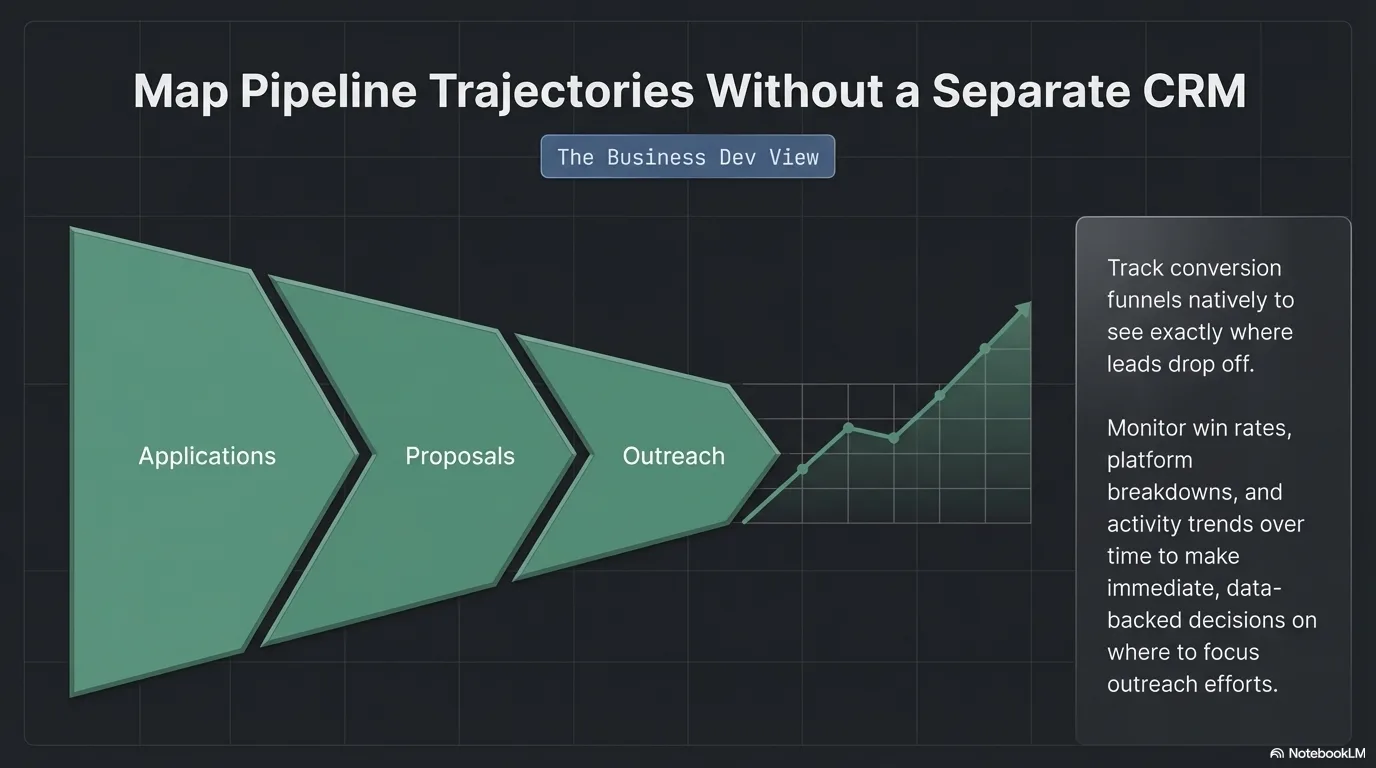
- Business development pipeline with conversion funnel, win rates, and activity trends
- Goal monitoring across 4 time horizons (daily/weekly/quarterly/annual) with visual progress review
- Full accomplishment tracking with search, category/week filters, and timeline + grid views
- Infrastructure health monitoring with response time charts and SSL certificate tracking
- Enrichment overlay architecture — live GitHub metrics merged with business context at request time
Resultados
Overview
CushLabs OS Dashboard is a full-stack Next.js application that serves as the operational command center for managing a multi-project portfolio. It authenticates via GitHub OAuth, runs 7 server-side API routes that aggregate data from the GitHub API and structured JSON files, and renders 7 specialized dashboard views — each designed around a specific operational concern that project managers and business owners deal with daily.
This isn't a static reporting page. The backend handles authentication, data aggregation from multiple sources, server-side caching with manual bypass, and metric computation. The frontend provides interactive views with search, filtering, sorting, and multiple visualization modes across every operational domain — from portfolio health to infrastructure monitoring.
The Challenge
- No aggregate visibility: GitHub shows individual repos but not portfolio-level patterns — commit velocity, revenue stream concentration, tier distribution, or deployment coverage across the business.
- Task execution is invisible: Strategic goals, daily tasks, and completed work live in structured files that are unreadable without purpose-built tooling. Project managers can't see what shipped this week.
- Business development lacks a pipeline view: Applications, proposals, and outreach need visual tracking for conversion analysis and follow-up decisions.
- Stale repos and decision debt compound silently: Without proactive alerting, active repos go quiet and paused repos never get a promote-or-archive decision.
- Infrastructure blind spots: Site health, response times, and SSL certificate expiry require manual checking across multiple domains.
- No single source of truth: Operational data scatters across GitHub, JSON files, documentation, and manual tracking — no unified view for leadership.
The Solution
Backend: 7 Server-Side API Routes
All external communication happens server-side — access tokens, API keys, and sensitive data never reach the browser.
/api/auth/[...nextauth]— Full GitHub OAuth flow with configurable user allowlists/api/repos— Fetches all repo metrics via Octokit, merges with enrichment metadata, computes staleness indicators and revenue breakdowns/api/tasks— Decodestodo.json+accomplished.jsonfrom base64, computes completion rates, priority distribution, and overdue counts/api/goals— Fetches goals across 4 time horizons, computes progress percentages and staleness warnings/api/business-dev— Pipeline data for applications, proposals, and outreach with conversion funnel metrics/api/infrastructure— Real-time health checks across all managed sites with response time measurement and SSL monitoring/api/guide— Serves system documentation with markdown rendering and sidebar navigation
Each route uses unstable_cache with 2-hour TTL and supports ?refresh=true for instant cache bypass. Commit counts are fetched in batches of 10 via Promise.allSettled() for graceful degradation.
Frontend: 7 Dashboard Views
- Portfolio — Sortable/filterable repo table, revenue stream breakdown, language distribution, KPI cards (total repos, shipped, active, deployed, commits, stars), stale repo alerts, decision debt tracking
- Business Dev — Application pipeline cards, conversion funnel visualization, activity trend chart, searchable activity table with platform and status breakdowns
- Goals — 4 time horizons (daily/weekly/quarterly/annual) with KPI cards, staleness warnings, and a dedicated review page with visual progress bars and completion metrics
- Tasks — Active todo items with priority filters (critical/high/medium/low/process), status badges, due date warnings, and completed items log
- Accomplishments — Full-text search, category filter pills, week filter dropdown, timeline and grid view toggle for completed work
- Infrastructure — Site health cards with status badges, response time history chart (Recharts), SSL certificate expiry tracking, and aggregate KPIs
- Guide — Sidebar navigation with custom markdown renderer (headers, code blocks, tables, lists, blockquotes) — zero external dependencies
Technical Highlights
- Enrichment overlay architecture: Live GitHub metrics merged with business context from a separate metadata repo at request time. Single source of truth for each concern — no data duplication, always fresh.
- Full-stack API layer: 7 Next.js route handlers that authenticate, aggregate, transform, cache, and serve data — not pass-through proxies.
- Batched API calls with graceful degradation:
Promise.allSettled()in groups of 10 ensures individual failures don't cascade. The dashboard always renders, even with partial data. - Server-side caching with manual bypass: 2-hour TTL prevents redundant API calls during normal use; the refresh button gives instant updates when a project manager needs current numbers.
- Pure CSS visualizations: Revenue breakdown and language distribution use CSS-only stacked bars — no charting library overhead for simple visualizations.
- Custom markdown renderer: The Guide view renders full markdown (headers, fenced code blocks, tables, lists, blockquotes, inline formatting) with zero external dependencies.
- Computed staleness indicators:
daysSinceLastPushcalculated server-side, color-coded (red >90 days, yellow >30 days) for instant visual triage. - Dark/light theme system: CSS custom properties with smooth transitions, system preference detection, and localStorage persistence.
- Infrastructure health monitoring: Real-time HTTP health checks with response time measurement, SSL certificate parsing, and historical response time charting.
Results
For Project Managers & Business Owners:
- Single command center replaces manual repo-by-repo GitHub audits and spreadsheet tracking
- Portfolio health visible at a glance — revenue concentration, deployment coverage, staleness risks
- Goal progress across 4 time horizons with automated warnings when goals go stale
- Business development pipeline visible for conversion analysis and follow-up decisions
- Accomplishment log provides a searchable record of what shipped, when, and in what category
- Infrastructure status across all managed sites without manual checking
- Task prioritization and completion tracking with visual status indicators
Technical Demonstration:
- Full-stack Next.js application with server-side API routes, authentication, and caching
- Clean separation of data concerns: live metrics vs. business context vs. task execution vs. infrastructure
- Server-side authentication and API aggregation that keeps all secrets secure
- Production deployment on Vercel with GitHub OAuth integration
- Enrichment overlay pattern applicable to any multi-repo organization
¿Listo para discutir una solución similar?
Exploremos cómo la automatización con IA puede ayudar a tu negocio.
Agendar una Consulta