
CushLabs Image Portfolio
Authenticated image gallery with lightbox, WhatsApp sharing, auto-WebP, and PWA support
The Problem
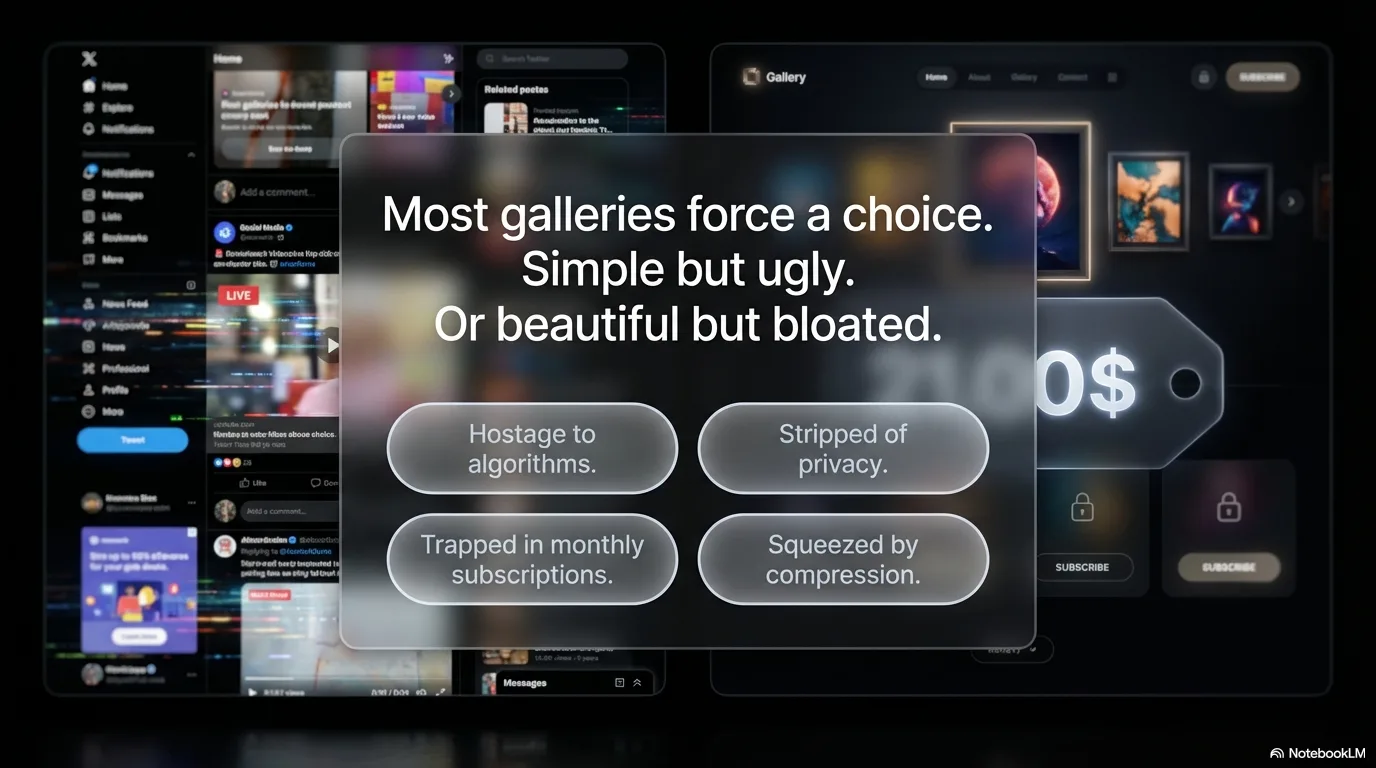
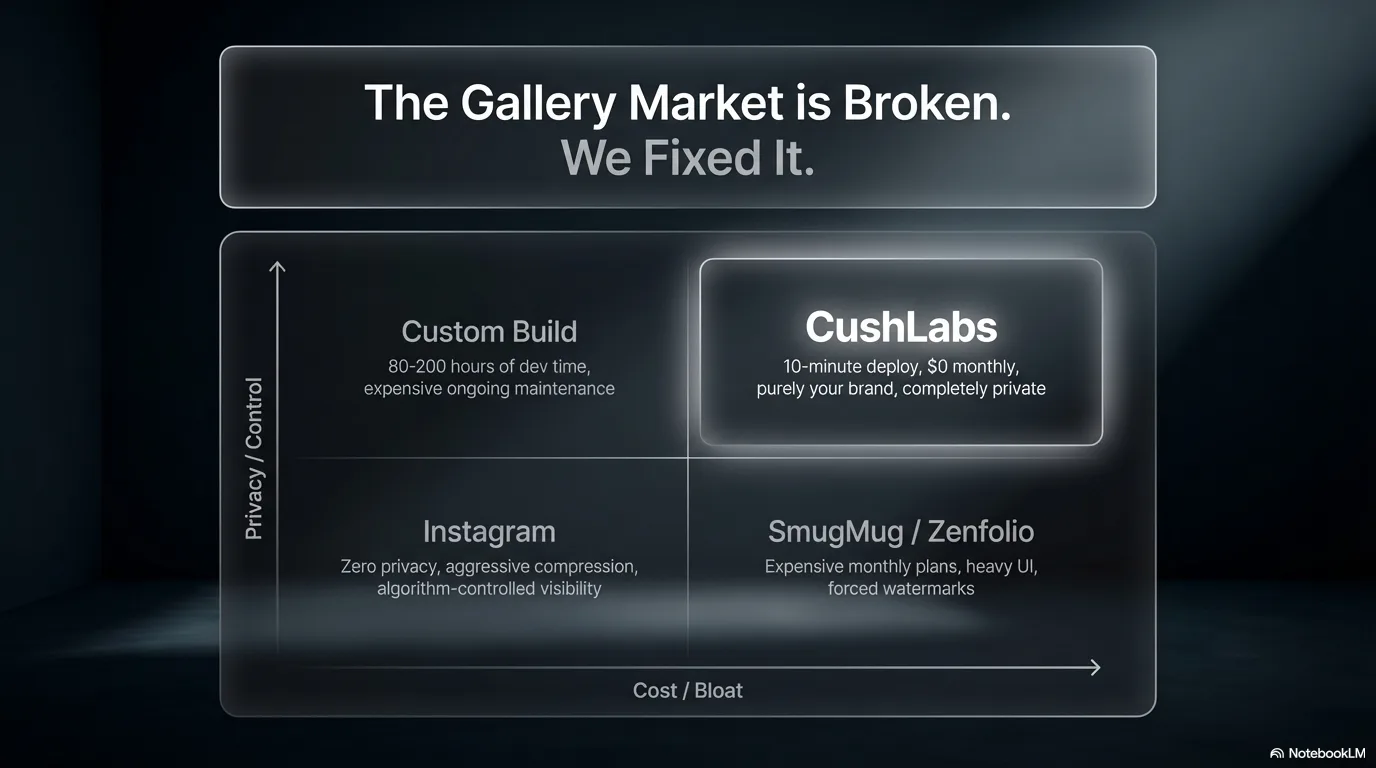
Sharing a curated photo collection shouldn't require a CMS or social media account. Most gallery solutions are either bloated with unnecessary features or too basic to look professional. This app provides an authenticated, minimal, high-quality image showcase with drag-and-drop upload, automatic WebP optimization, WhatsApp sharing, and a native-app feel via PWA.
The Solution
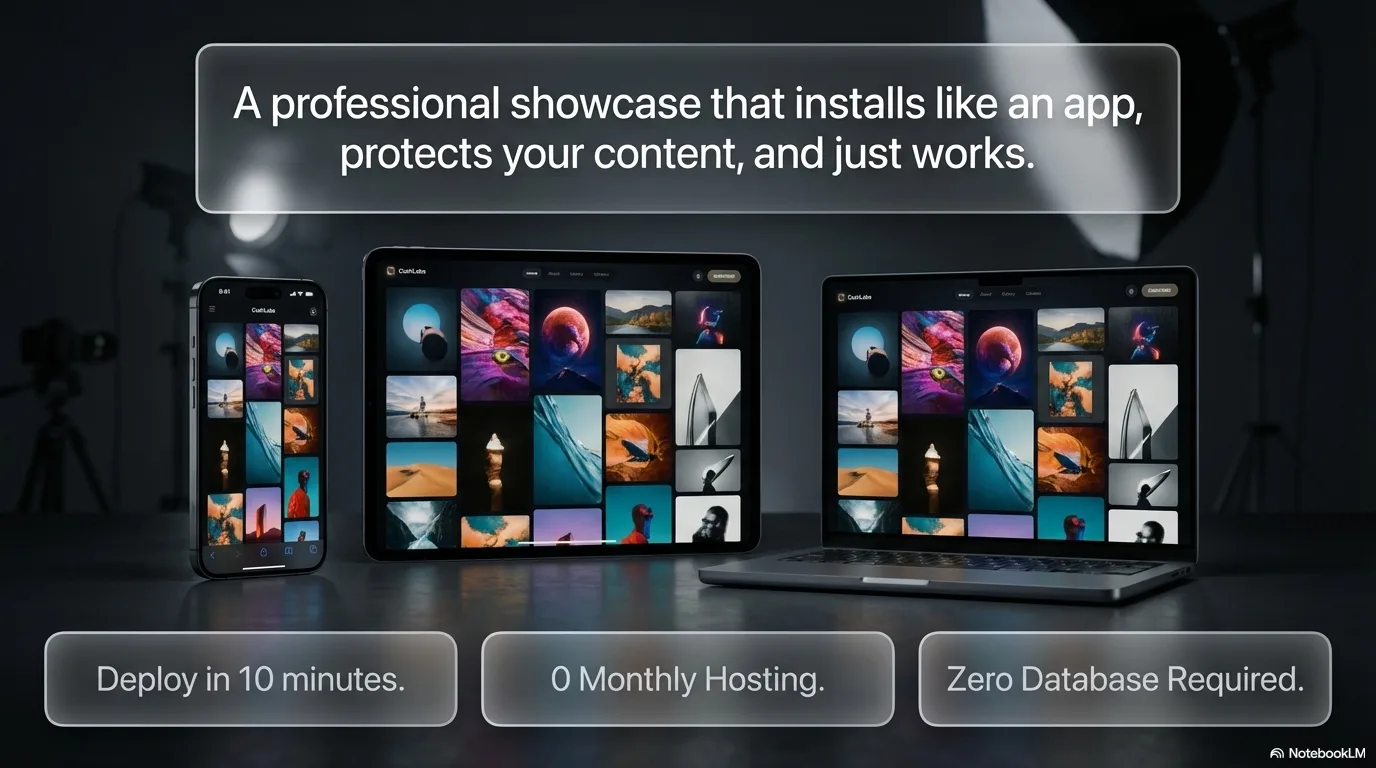
A focused gallery that does four things well — display, navigate, upload, and share — kept private behind Clerk authentication with social login and a clean access-request onboarding flow. Every component follows a dark-first, brand-consistent design with subtle Framer Motion animation, putting the images front and center. Uploads are automatically converted to optimized WebP on the server via Sharp, dropping an 80MB batch of PNGs to under 3MB with no visible quality loss. The lightbox shares directly through the Web Share API on mobile, with a WhatsApp fallback on desktop.
Key Features
- Full masonry and grid gallery with animated transitions
- Full-screen lightbox with swipe, keyboard, and click navigation
- Drag-and-drop upload with auto WebP conversion and per-file progress
- Clerk authentication with Google, Apple, and Facebook social login
- WhatsApp and native share sheet integration from lightbox
- PWA-ready for installation on mobile and desktop
Results
Overview
CushLabs Image Portfolio is a purpose-built photo gallery application designed for showcasing images in a professional, visually striking format. Built on Next.js 16 with the App Router, it features dual gallery layouts (masonry and grid), a full-screen lightbox with slider navigation, drag-and-drop upload with automatic WebP conversion, and Clerk v7 authentication with social login.
The design uses a CushLabs orange (#F26522) and black color palette — dark, modern, and intentionally distraction-free so the images take center stage. The application ships as a Progressive Web App, making it installable on any device as a native-feeling app. A custom dog silhouette logo and favicon carry the brand throughout.
The Challenge
- Gallery solutions are heavy: Most photo gallery platforms bundle CMS features, user management, and e-commerce that aren't needed for a simple showcase
- Design quality drops at "simple": Stripping features usually means stripping design quality — minimal galleries tend to look generic
- Mobile experience is an afterthought: Many web galleries don't handle touch navigation, swipe gestures, or mobile layout with the same care as desktop
- Sharing is clunky: Most galleries don't integrate with messaging apps for quick sharing
The Solution
Focused feature set, high execution: A gallery that does four things well — display, navigate, upload, and share. Authentication via Clerk keeps the gallery private, while the access request flow provides a clean onboarding path for new users.
Dark-first, brand-consistent design:
CushLabs orange against a pure black background. Every component — header, gallery, lightbox, upload zone, Clerk auth screens, footer — follows the same design language with subtle animations via Framer Motion. Clerk components are styled via CSS overrides and the @clerk/themes dark base.
Auto-optimized uploads: All uploaded images are automatically converted to WebP (quality 82) via Sharp on the server. A batch of PNGs that might be 80MB drops to under 3MB without visible quality loss.
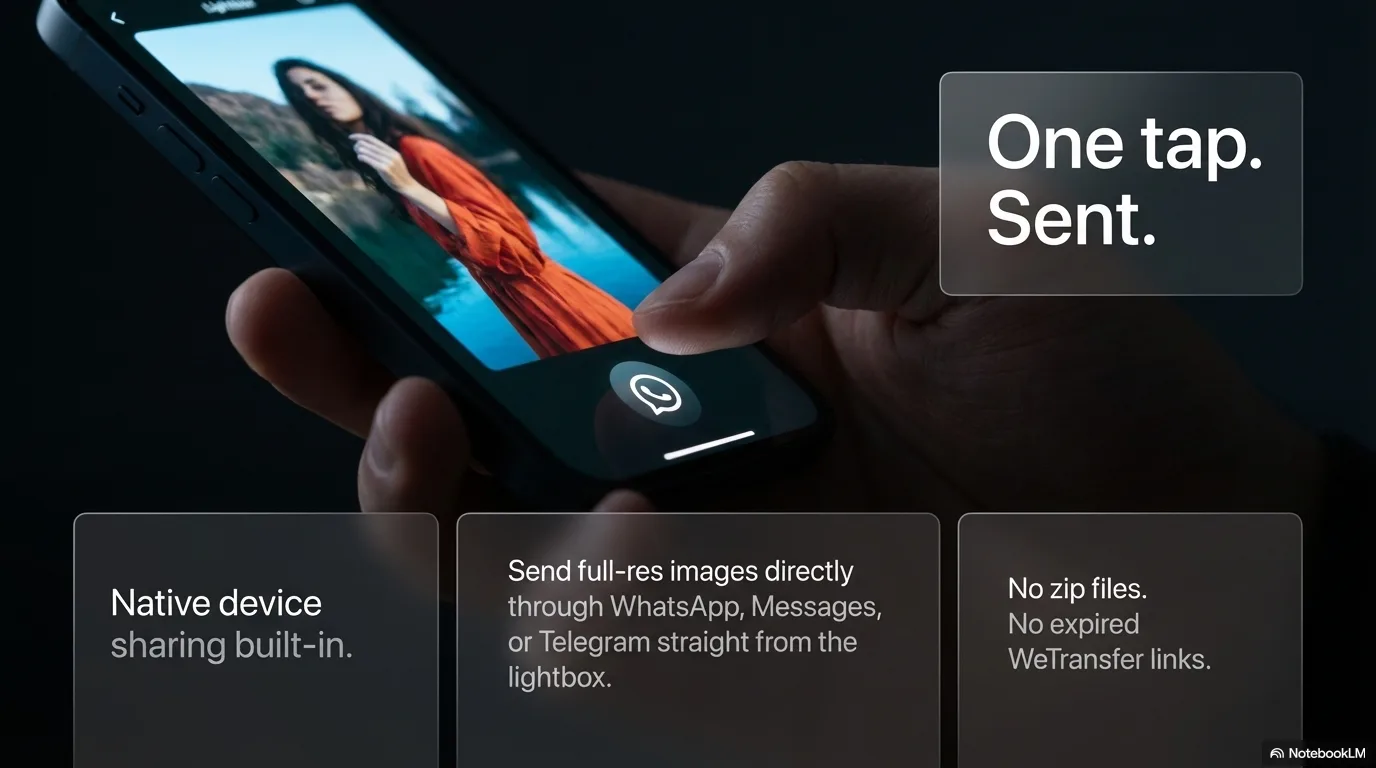
Native sharing: The lightbox includes a share button that uses the Web Share API on mobile (opening the native share sheet with WhatsApp, Messages, etc.) with a direct WhatsApp fallback on desktop.
Technical Highlights
- Next.js 16 App Router: Server components for static pages, API routes for image CRUD operations
- Clerk v7 authentication: Social login (Google, Apple, Facebook), middleware-level route protection, dark-themed components with CSS overrides
- Tailwind CSS v4
@theme inline: Design tokens defined as CSS custom properties, using v4 utility syntax (bg-linear-to-r, barez-100) - Sharp WebP pipeline: All uploads auto-converted to optimized WebP on ingest, reducing storage by 90%+
- Per-file upload: Images uploaded one at a time to avoid body size limits, with individual progress tracking
- Web Share API: Native share sheet on mobile, WhatsApp fallback on desktop, with file sharing when supported
- File-based storage: Images stored in
public/uploads/with ameta.jsonmanifest — no database dependency - Custom branding: Dog silhouette favicon and nav logo generated from source PNG via Sharp
Results
For the End User:
- Sign in with Google, Apple, or Facebook — no new account to create
- Upload photos via drag-and-drop with automatic optimization
- Browse in masonry or grid layout with a single toggle
- View full-screen images with swipe or arrow key navigation
- Share photos directly to WhatsApp from the lightbox
- Install as a phone app from the browser (Android and iOS)
Technical Demonstration:
- Modern Next.js 16 patterns with App Router and server/client component split
- Clerk v7 integration with custom dark theme styling
- Tailwind CSS v4 design system with custom tokens
- Production-quality UI with attention to animation, accessibility, and mobile UX
- Clean architecture with minimal dependencies and no database requirement
Ready to discuss a similar solution?
Let's explore how AI automation can help your business.
Schedule a Consultation