
MazeBreak GDD Wiki
Private, searchable game design document wiki for a Roblox development team
Demo Video
The Problem
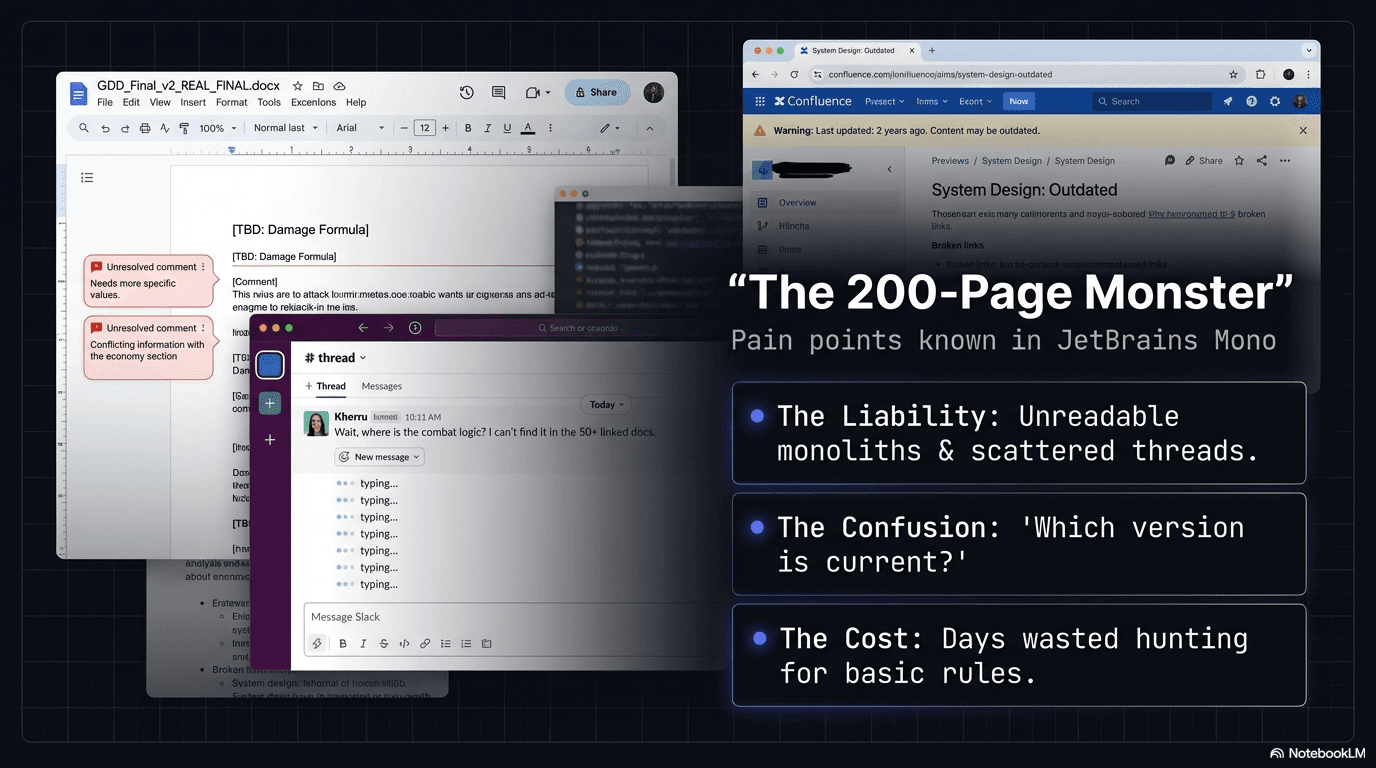
Game design documents start as shared Word files or Google Docs that no one actually consults once development begins — they're too slow to search, too painful to navigate, and too disconnected from the development workflow. A 2-person Roblox team was losing momentum every time they needed to look up an enemy stat, verify a damage formula, or cross-reference loot tables across a 200+ page GDD, turning a 10-second lookup into a 2-minute context switch that broke creative flow in Roblox Studio.
The Solution
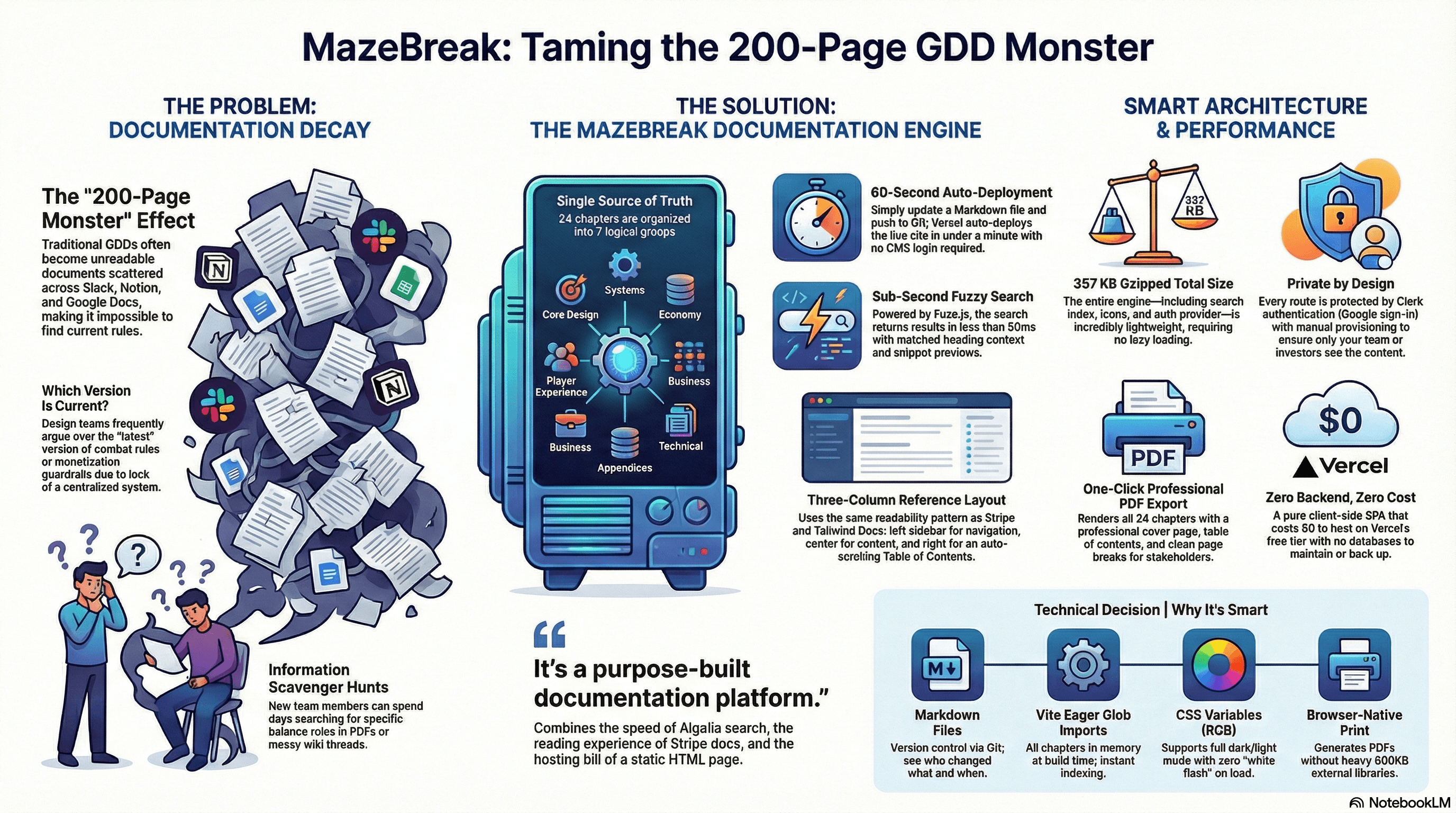
The GDD Wiki turns a 30+ page design document into a private, searchable web app with 24 chapters organized into seven logical groups. A Ctrl+K command palette backed by Fuse.js delivers fuzzy, typo-tolerant search with relevance ranking and snippet previews in under 50 milliseconds. Each chapter is a standalone markdown file imported at build time, so updates ship through the same Git push workflow the team already uses for game code — no CMS or database to manage. Clerk authentication with Google sign-in and disabled public sign-up keeps the design decisions visible only to manually provisioned team members.
Results
Overview
The MazeBreak GDD Wiki is a private documentation platform built for a 2-person Roblox game development team. It transforms a 30+ page Game Design Document into a searchable, navigable web application with 24 chapters covering everything from combat systems and enemy AI to monetization strategy and technical architecture.
The wiki serves as the single source of truth for all game design decisions, accessible instantly from any browser while working in Roblox Studio.
The Challenge
Game development teams working from traditional design documents face compounding friction:
- Navigation bottleneck: A 30+ page Word document requires scrolling and Ctrl+F to find anything, breaking flow during active development
- Cross-referencing difficulty: Related systems (e.g., enemy damage and loot tables) live in separate sections with no linking between them
- Search limitations: Word's find function matches exact text only — no fuzzy matching, no relevance ranking, no snippet previews
- Access control: Sharing a Google Doc or Dropbox file offers limited control over who can view sensitive design decisions
- Update friction: Editing a shared document risks formatting issues, merge conflicts, and unclear version history
- Context switching: Developers working in Roblox Studio need to alt-tab to a separate application and manually locate the relevant section
Without a purpose-built reference tool, design documents become write-once artifacts that the team avoids consulting.
The Solution
The MazeBreak GDD Wiki addresses each friction point with targeted design decisions:
Instant Search:
- Ctrl+K opens a command-palette-style search modal
- Fuse.js fuzzy matching finds results even with typos or partial terms
- Results show chapter title, matched section heading, and text snippet with context
- Keyboard navigation (arrow keys + Enter) keeps hands on the keyboard
- Sub-50ms response time — faster than the developer can finish typing
Structured Navigation:
- 24 chapters organized into 7 logical groups (Core Design, Systems, Content & Economy, etc.)
- Collapsible sidebar with active chapter highlighting
- Previous/Next chapter navigation at the bottom of every page
- Right-sidebar table of contents generated from H2/H3 headings with scroll tracking
Effortless Content Updates:
- Each chapter is a standalone markdown file with YAML frontmatter
- Edit a
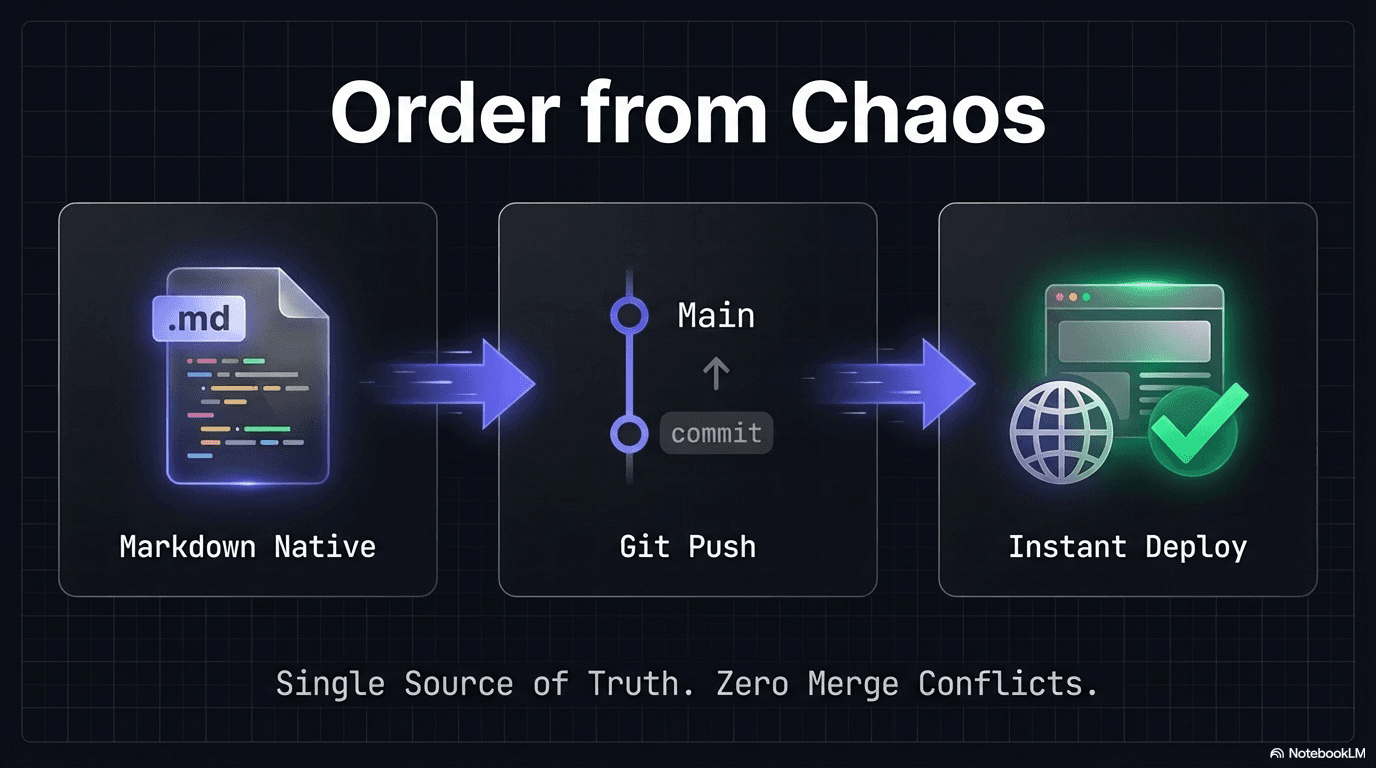
.mdfile, commit, push — Vercel auto-deploys within 60 seconds - No CMS to learn, no database to manage, no build step to run manually
- Git history provides full version tracking for free
Restricted Access:
- Clerk authentication with Google sign-in
- Public sign-up disabled — only manually-provisioned users can access
- Zero monthly cost on Clerk's free Hobby tier
- No content visible without authentication
Developer-First Design:
- Dark mode UI inspired by Linear, Raycast, and Stripe Docs
- JetBrains Mono headings, Plus Jakarta Sans body text
- Syntax-highlighted code blocks for Luau snippets in the GDD
- Tables render with proper styling — critical for stat tables, damage matrices, and loot probabilities
- Design rule blockquotes render with colored accents (blue for rules, amber for warnings, red for danger)
Video Walkthrough
MazeBreak: Taming the GDD — A full walkthrough of the documentation engine, demonstrating search, navigation, theming, and PDF export.
Screenshots
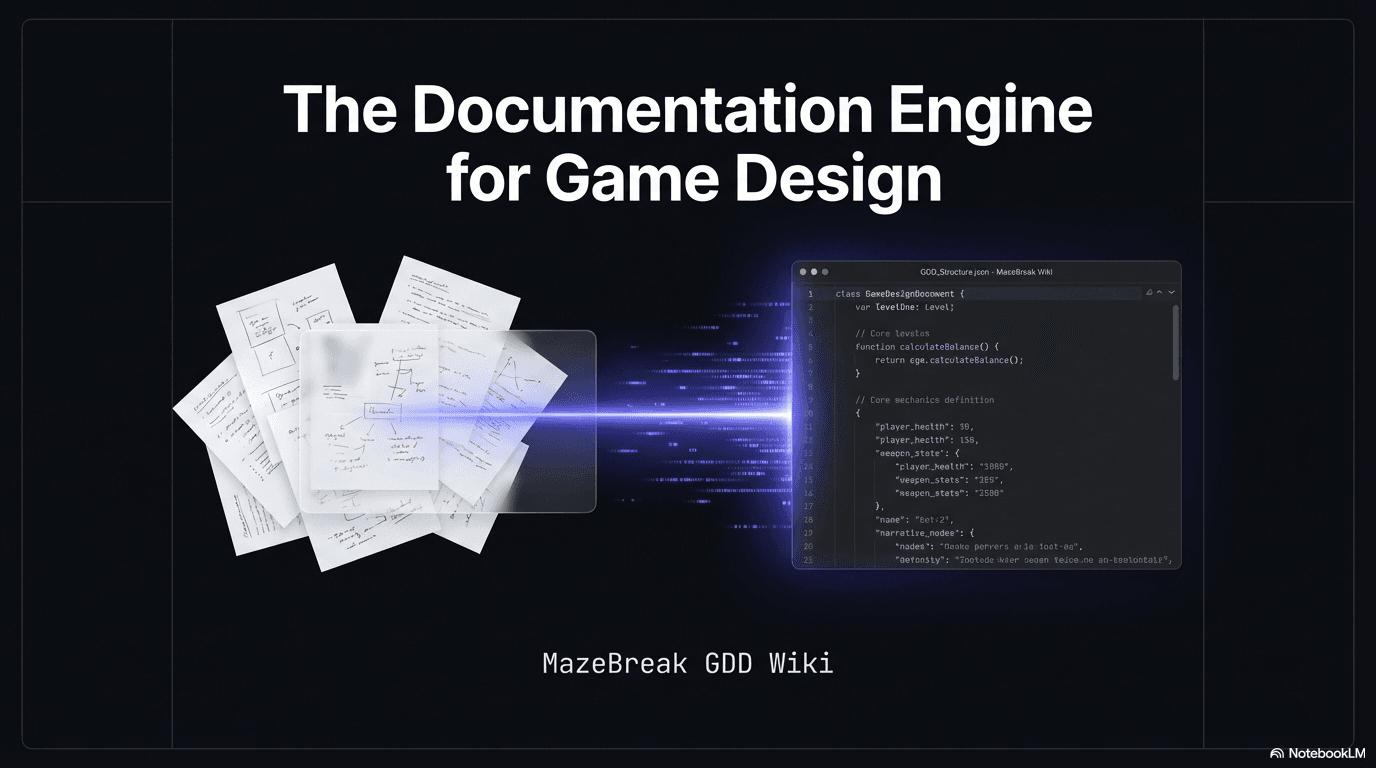
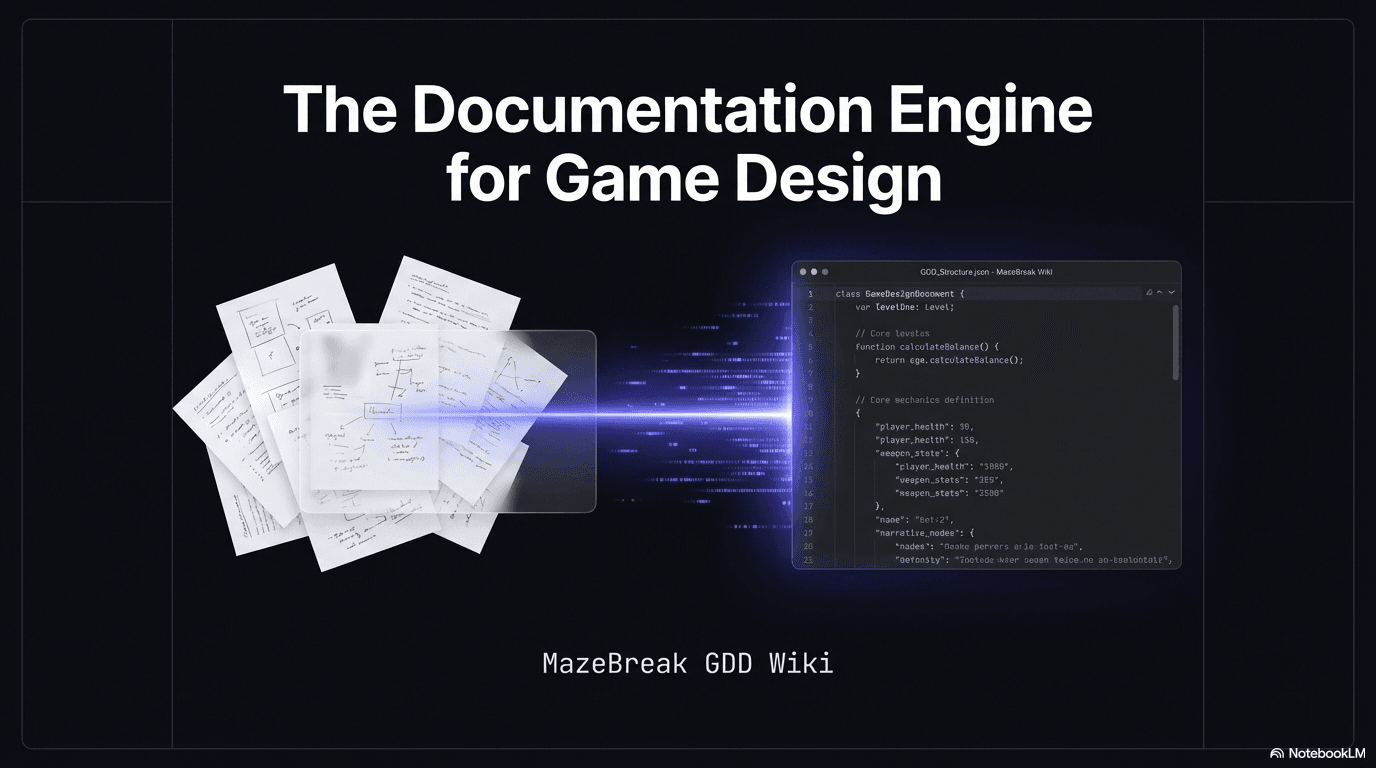
Hero — The documentation engine transforms scattered design files into a single searchable platform.
The Problem — Unreadable monoliths, scattered threads, and days wasted hunting for basic rules.
The Workflow — Markdown native content, Git push, instant deploy. Single source of truth.
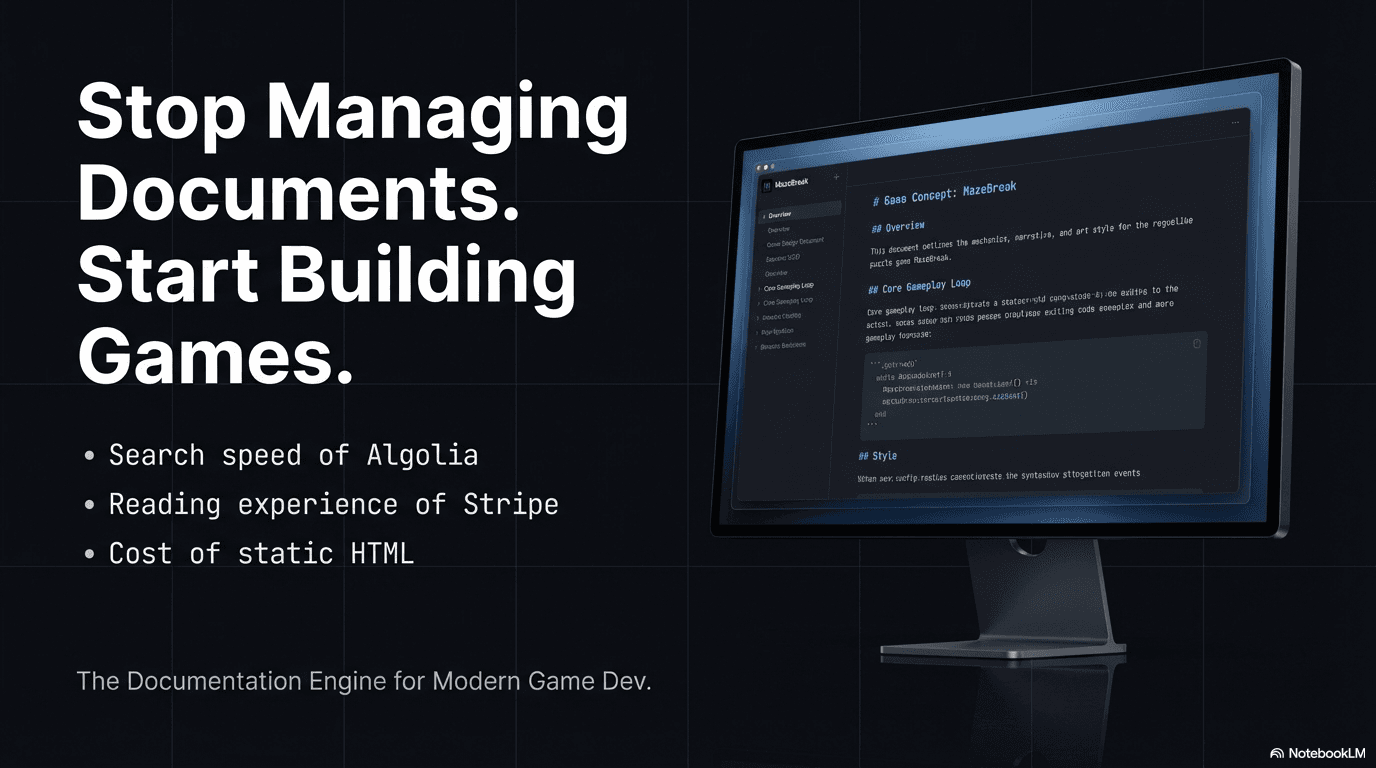
MazeBreak GDD Wiki — Purpose-built documentation for game development teams.
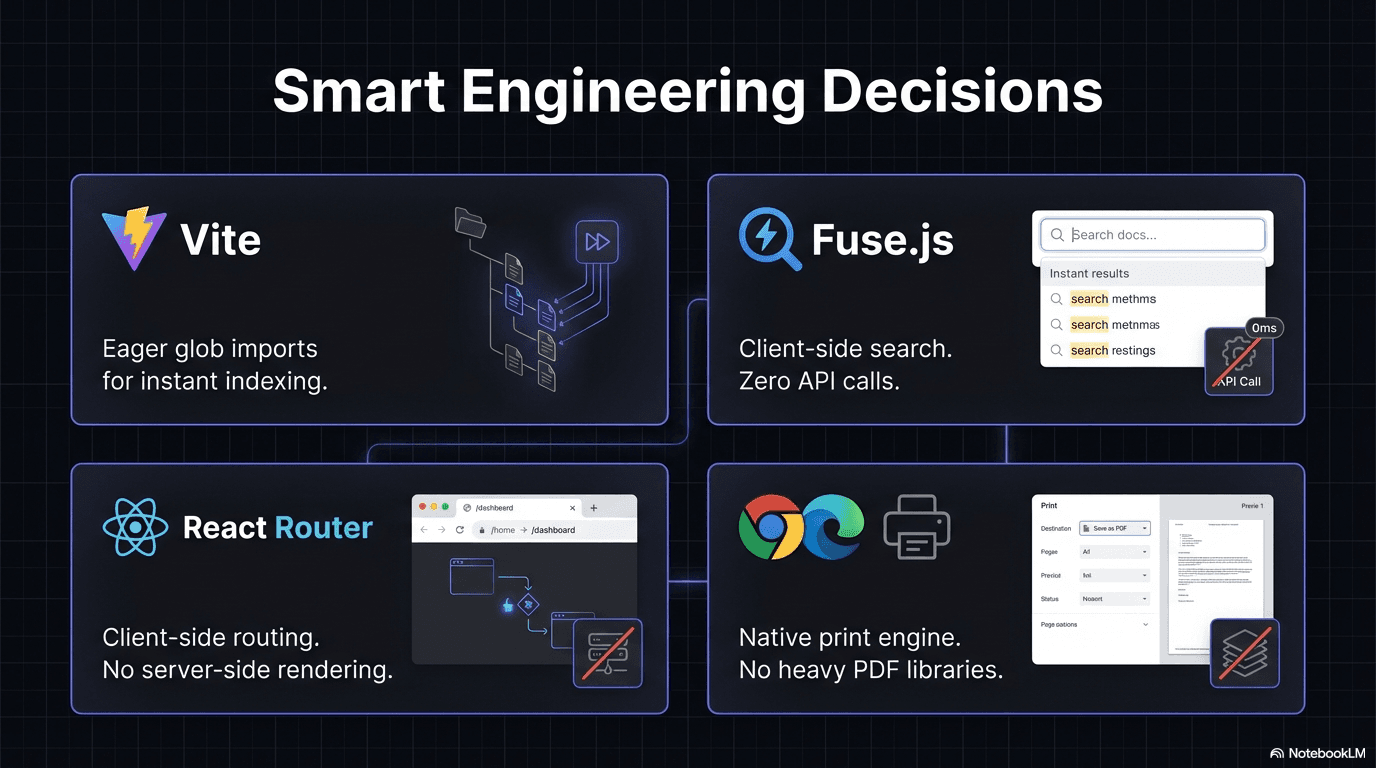
Architecture — Vite eager imports, Fuse.js client-side search, React Router, and browser-native print.
Value Proposition — Search speed of Algolia, reading experience of Stripe, cost of static HTML.
Full Infographic — Problem, solution, architecture, and technical decisions at a glance.
Technical Highlights
- React 19 + Vite 7: Fast build times, hot module replacement, and modern React features
- Client-Side Search Architecture: Fuse.js indexes all markdown content at app initialization — no server required, no API latency, works offline after initial load
- Vite Glob Imports: All
.mdfiles imported at build time viaimport.meta.globwith raw query, eliminating runtime file fetching - Custom Markdown Pipeline: react-markdown with remark-gfm for tables, rehype-highlight for code blocks, and custom component overrides for callout detection and anchor ID generation
- Responsive Three-Column Layout: Sidebar navigation + content area + table of contents on desktop, collapsing gracefully to single-column on mobile
- SPA with Vercel Rewrites:
vercel.jsonconfigures catch-all rewrites so React Router handles all paths — direct links and browser refresh work correctly - 357 KB Gzipped Bundle: Entire application including all 24 chapters of GDD content ships under 500 KB
Results
For the Development Team:
- Eliminated time spent scrolling through the Word document during development sessions
- Design rules and stat tables are accessible in 2-3 keystrokes from any browser
- Content stays current with the same Git workflow used for game code
- Both team members have authenticated access without sharing credentials or links
Technical Demonstration:
- Full-stack web application architecture (client-side SPA with auth and search)
- Authentication integration with third-party identity provider (Clerk + Google OAuth)
- Client-side search engine implementation with fuzzy matching and relevance ranking
- Custom markdown rendering pipeline with syntax highlighting and callout detection
- Dark mode design system with custom color palette, typography, and component styling
- Production deployment pipeline with automated builds and SPA routing configuration
- Developer experience focus — keyboard shortcuts, fast navigation, and minimal friction
This project demonstrates the ability to identify a workflow bottleneck, design a focused solution, and deliver a production-quality tool that integrates into an existing development process. It shows practical application of React, authentication, search, and deployment — not as isolated skills, but as a cohesive product solving a real team need.
Ready to discuss a similar solution?
Let's explore how AI automation can help your business.
Schedule a Consultation